
 Facebook
 Twitter
 LinkedIn

Combine Multiple Files
Want to merge an unlimited number of files? Simply upload your files such as PDFs, Word files, images, or spreadsheets, and our app will combine them into one clean and organized PDF ready to save or share.
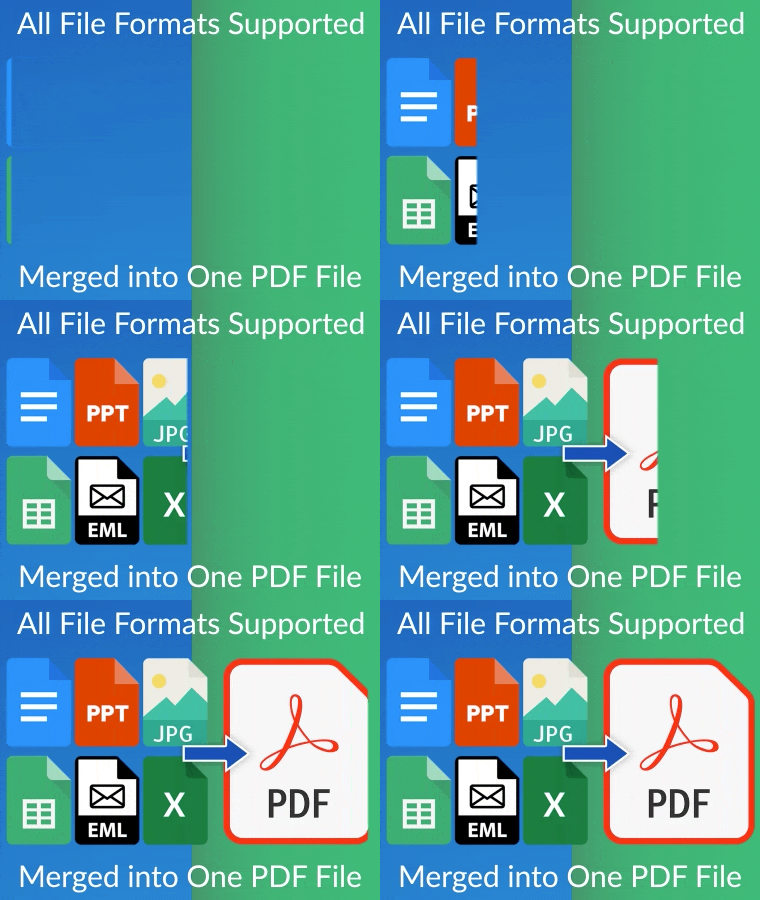
All File Formats Supported
Upload PDFs, Word documents, images, spreadsheets, and any other file format. No conversions are needed; this app combines everything perfectly into one PDF, IMAGE/GIF
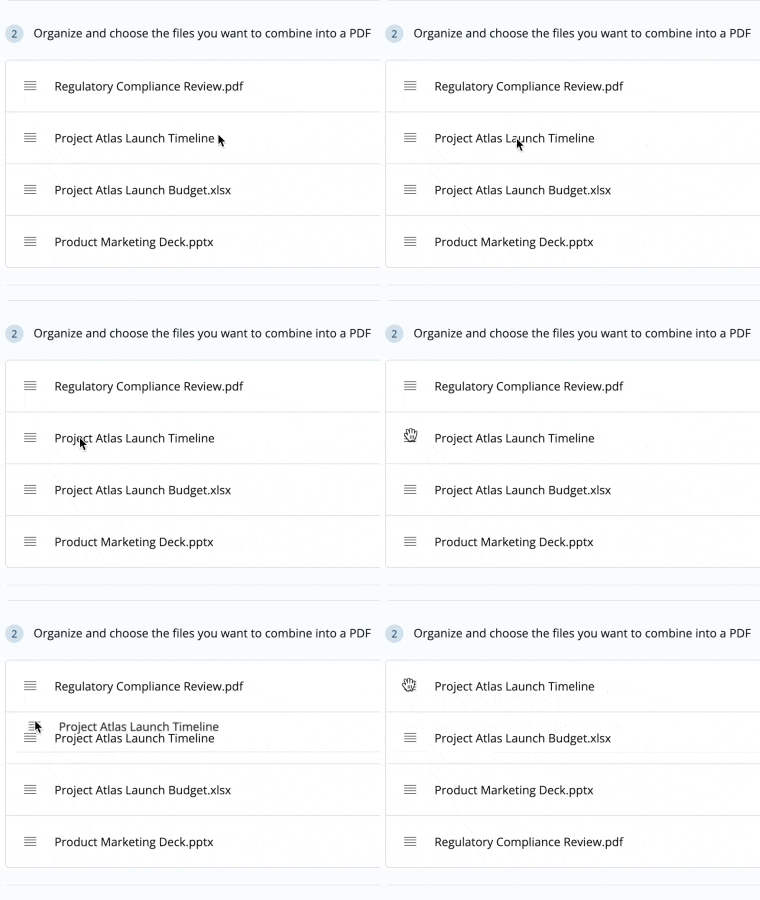
Reorder Before You Combine
Drag and drop your files in any order before merging. Your final PDF will reflect the exact sequence you choose.
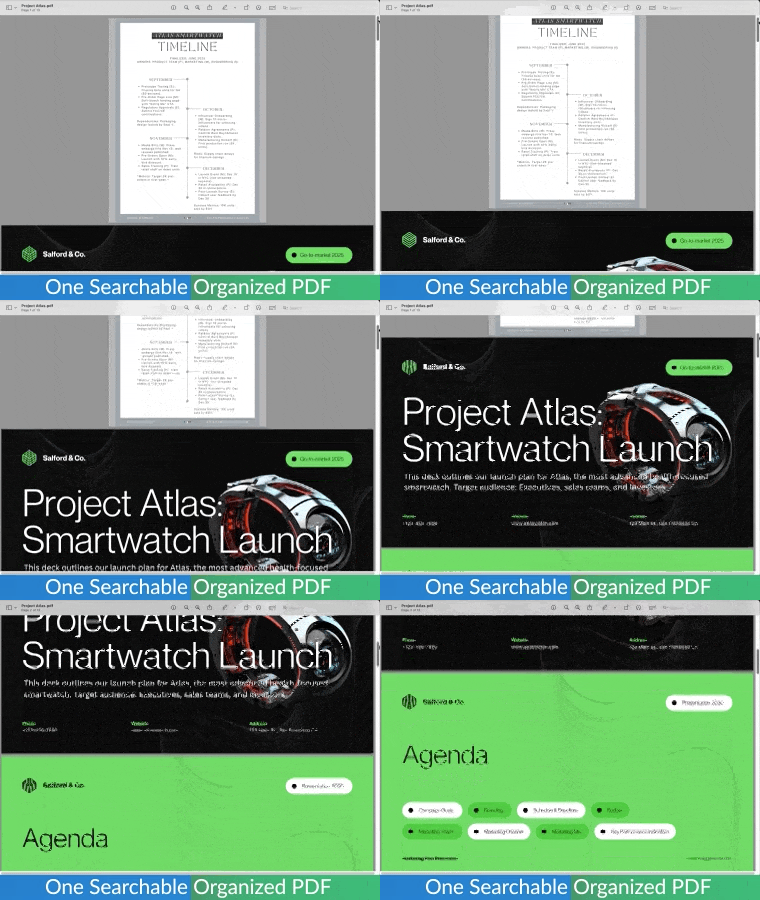
One Searchable and Organized PDF
Combine your files into a single PDF that is clean, easy to read, and fully searchable so you can quickly find the information you need, no matter how large the document is.
Save or Share in a Legally Accepted Format
Combine your files into one PDF that meets professional and legal standards, making it easy to store, share, or submit wherever required.
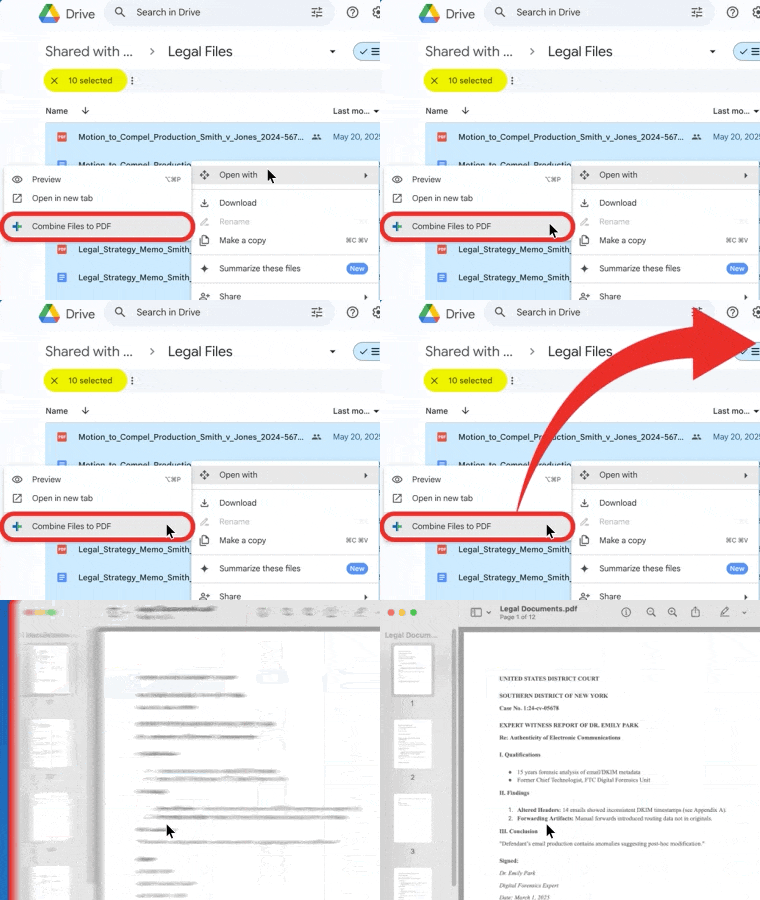
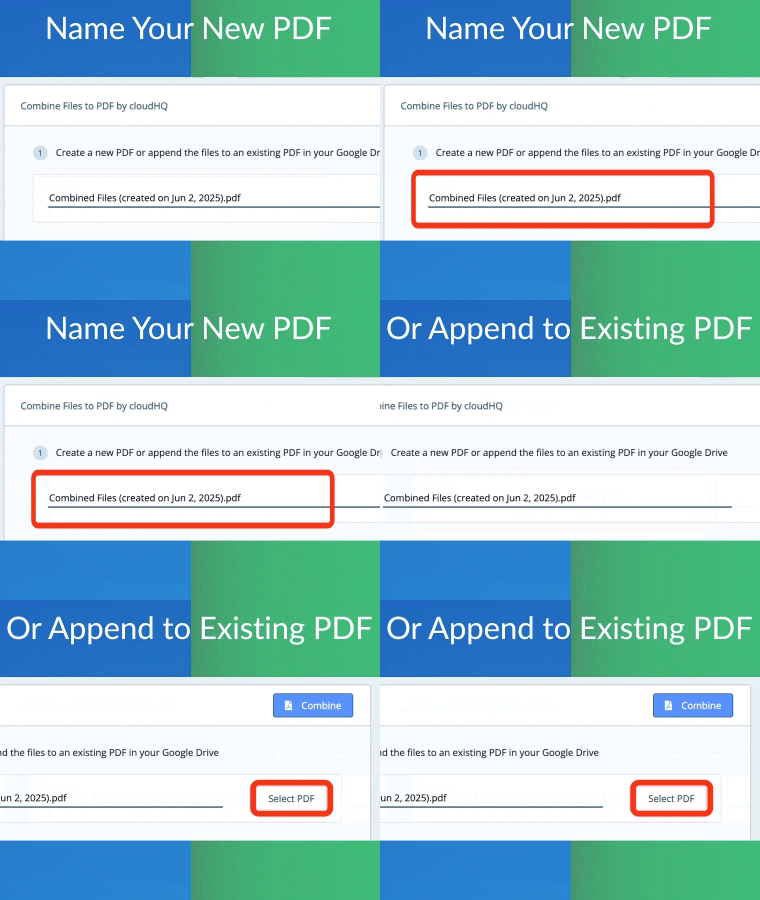
Start a New PDF or Add to One You Already Have
Choose to create a brand new PDF or add your files to an existing one, giving you full control over how your documents are organized.
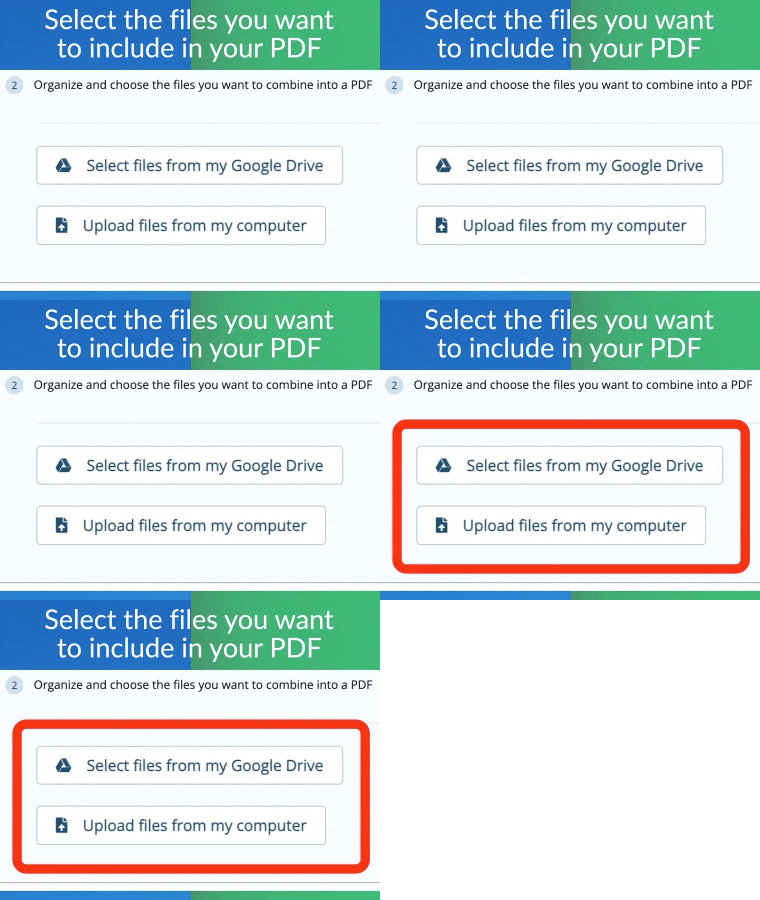
Easily Select Files to Combine
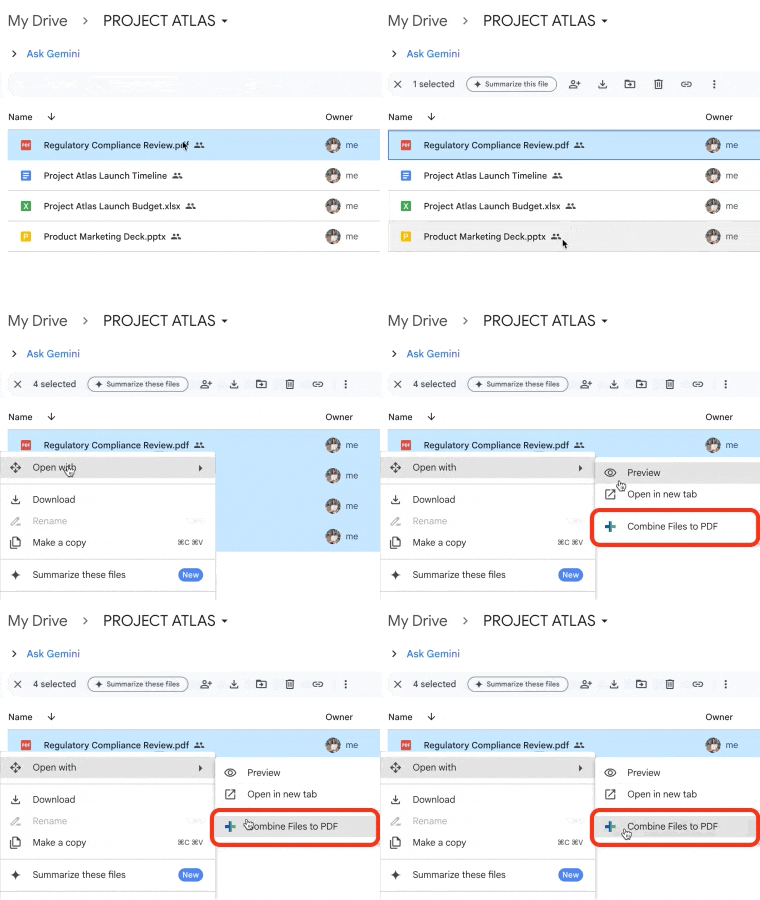
Select the files you want to include in your PDF directly from Google Drive or upload them from your computer.
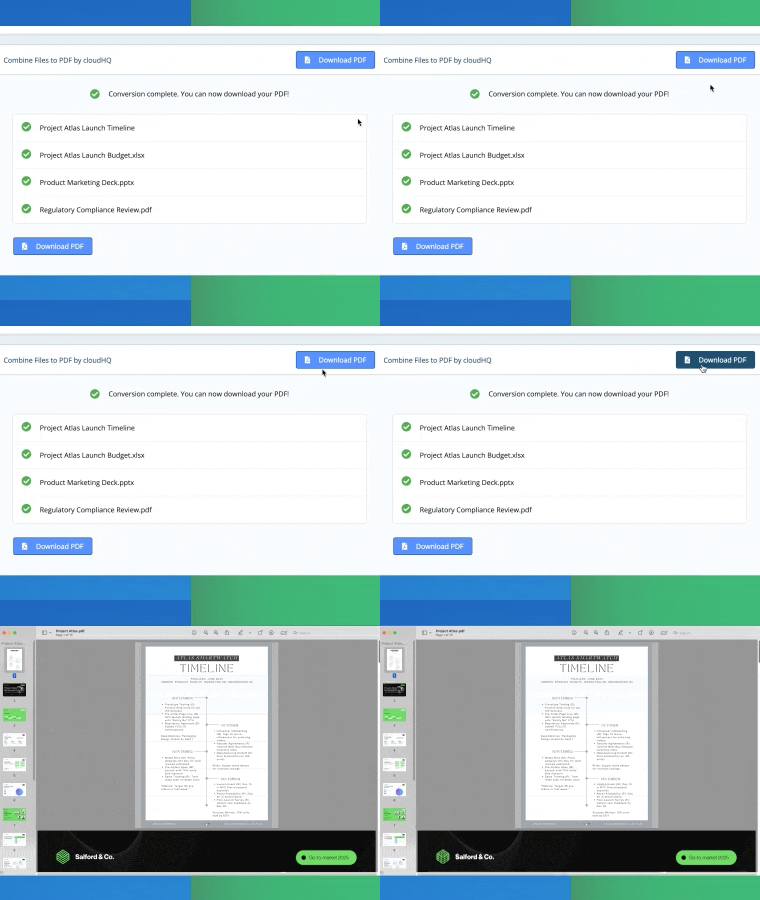
Save, Download or Share Your PDF
After combining and organizing your files, you can download the final PDF or save it to your Google Drive. Your document will be exactly how you arranged it, clear, complete, and ready to use or share
Positive Reviews
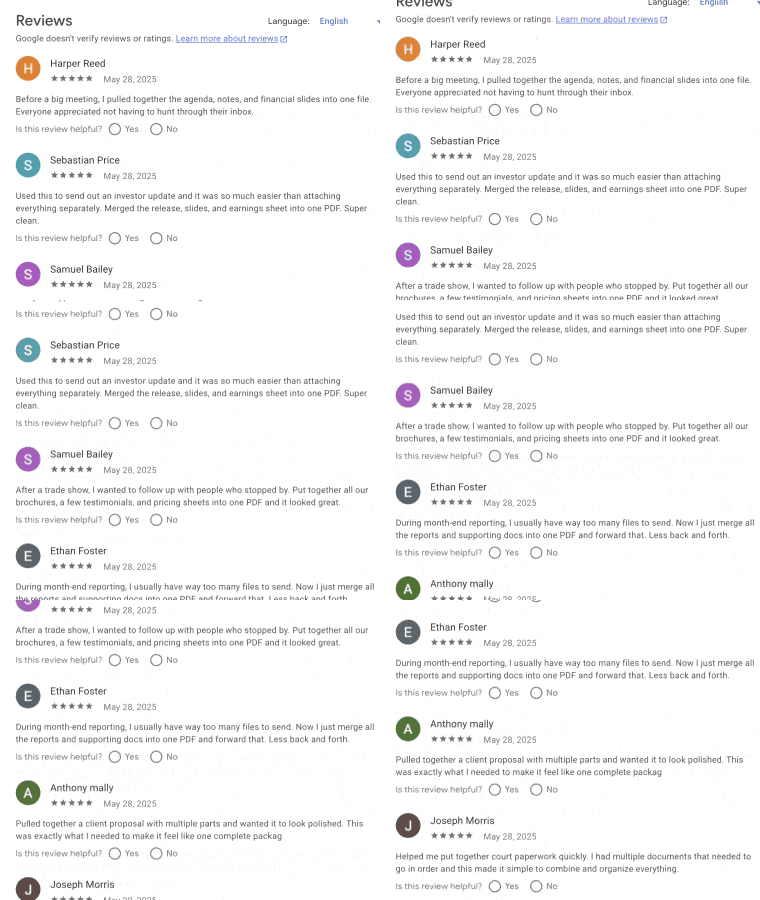
Customers generally like how easy the app is to use, and how well it combines their files. Here’s what some of them have to say: